Getting Started
PermaShip is an AI-native engineering platform. PermaShip Control is your dashboard for managing tickets, integrations, approval policies, autonomous AI agents, and everything your team ships.
Signing Up
Go to control.permaship.ai/signup to create an account with your email and password. If your organization uses SSO (SAML), you'll be redirected to your identity provider.
After logging in you'll be prompted to select an organization. If you only belong to one, it's selected automatically. Then choose a project, or create a new one by clicking + New Project and filling in a name, slug, and optional description.
Onboarding Checklist
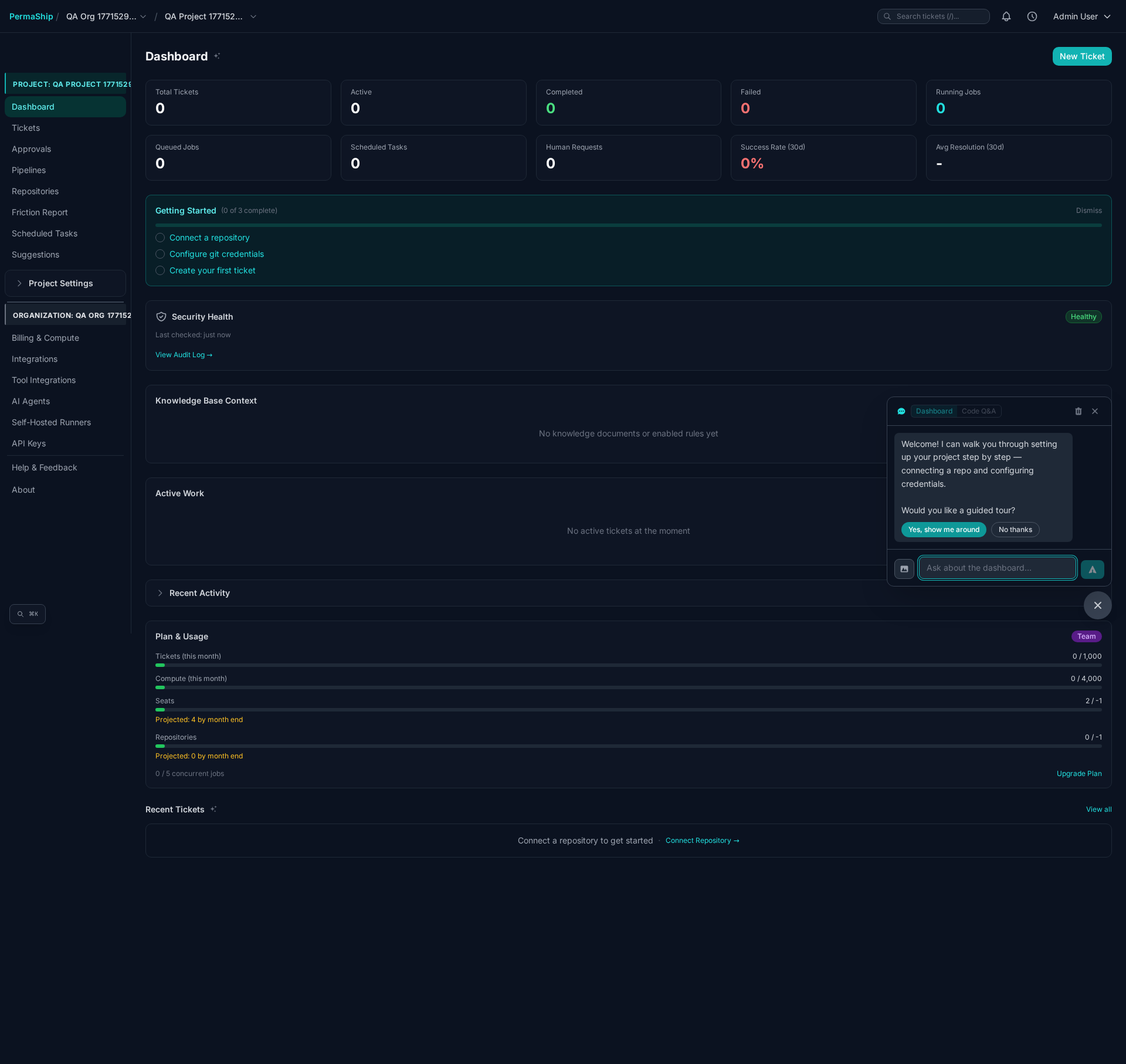
New projects show a Getting Started checklist on the dashboard with three steps:
Link a GitHub or GitLab repo so PermaShip knows where to push code.
Set a Personal Access Token so the platform can clone, branch, and create PRs.
Submit a task, bug, or feature request and watch the pipeline execute it.
The checklist disappears once all steps are complete, or you can dismiss it manually.
Dashboard Overview
The project dashboard provides a real-time summary of activity. It refreshes automatically every 15 seconds.
Stats & Trends
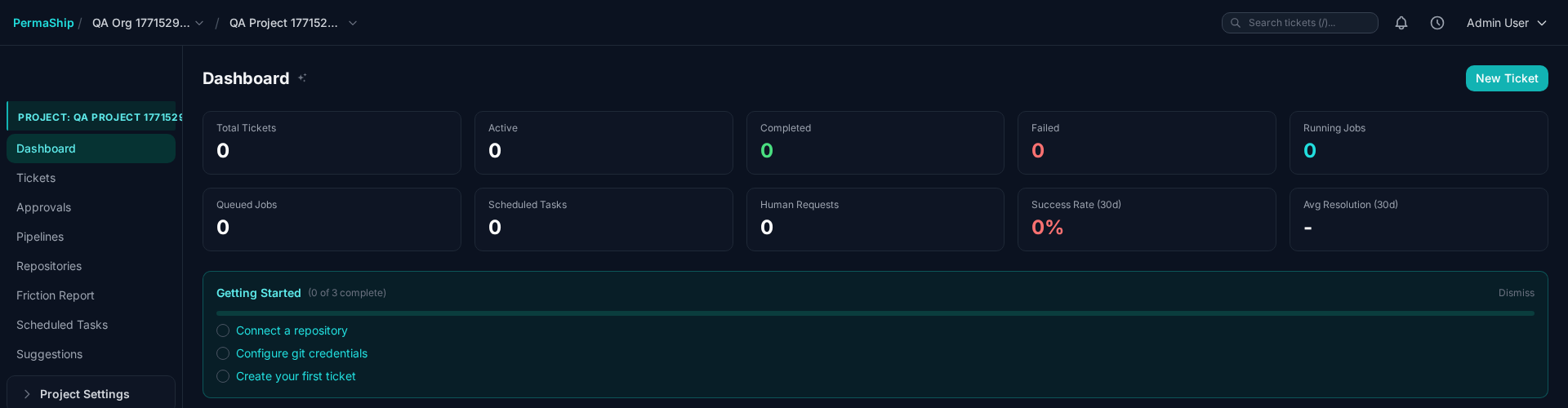
The top of the dashboard shows key metrics:
| Metric | Description |
|---|---|
| Total Tickets | All-time ticket count |
| Active | Tickets currently in progress |
| Completed | Successfully resolved tickets |
| Failed | Tickets that failed during execution |
| Running Jobs | Currently executing jobs |
| Queued Jobs | Jobs waiting to start |
| Scheduled Tasks | Active scheduled task count |
| Human Requests | Pending questions or approvals needing attention |
| Success Rate (30d) | Completed vs failed over the last 30 days |
| Avg Resolution Time | Average time from ticket creation to completion |
Below the stats, line charts show ticket and job trends. Toggle between 7-day and 30-day views:
- Tickets chart — Created vs Completed over time
- Jobs chart — Succeeded vs Failed over time
A Plan & Usage card shows your organization's current consumption against limits (tickets, tokens, seats, repos). If any tickets are waiting for human input, a Pending Human Requests section shows up to 5 items you can click through to respond to.
AI Assistant
The dashboard includes an AI Assistant sidebar. This is a specialized Gemini instance that has context on your active tickets, project configurations, and the PermaShip documentation.
You can ask it things like:
- "Why did the implementation of ticket #123 fail?"
- "How do I configure an approval policy?"
- "What repositories are connected?"
The assistant can help you troubleshoot failed jobs, understand configuration options, and navigate the platform without leaving the dashboard.